How to choose a crypto wallet
Choosing the right crypto wallet means deciding how you balance convenience with security. The market splits into two main categories: hot wallets and cold wallets. Hot wallets are software applications connected to the internet, making them ideal for daily transactions but more vulnerable to online attacks. Cold wallets are physical hardware devices that store your private keys offline, offering a stronger defense against hackers but requiring you to plug the device in to sign transactions.
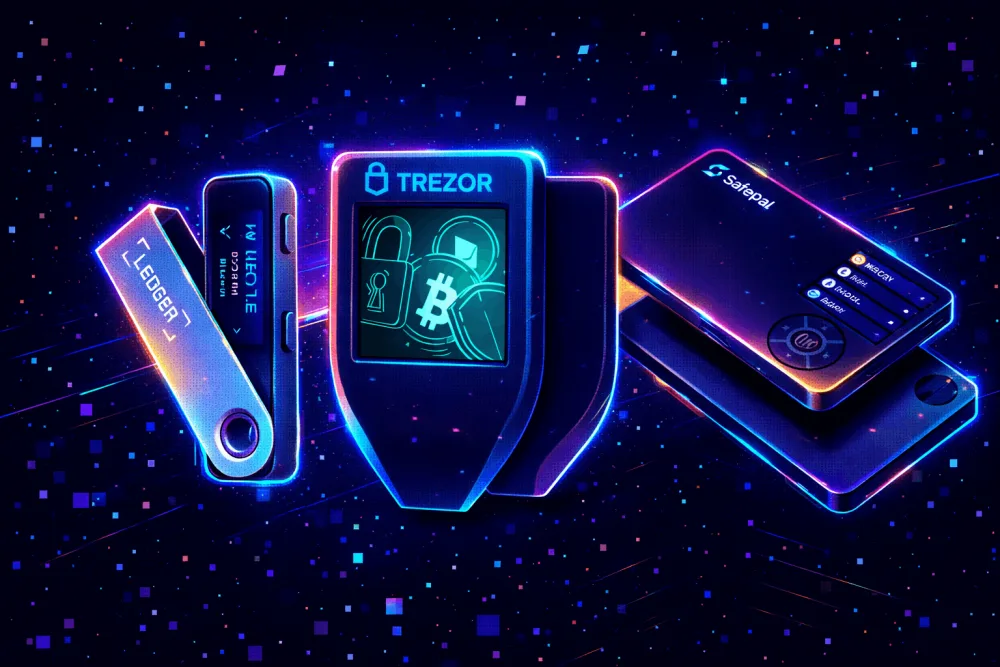
For most beginners, the strategy is to use a hot wallet for small, everyday spending and a cold wallet for long-term savings. This layered approach limits your exposure. If you are holding significant assets, a hardware wallet like the Ledger Flex or Trezor Safe 3 is the standard recommendation. These devices keep your keys isolated from your computer or phone, ensuring that even if your device is infected with malware, your funds remain secure.
The Ledger Flex, recognized as the best overall wallet for its blend of readability and utility, and the Ledger Stax, praised for its offline key storage and broad asset support, are leading examples of secure hardware solutions. When selecting a wallet, prioritize those with a strong track record of security audits and open-source code. Never share your seed phrase with anyone, including support staff. Your seed phrase is the master key to your assets; if you lose it or share it, you lose your money.


As an Amazon Associate, we may earn from qualifying purchases.
The best overall crypto wallet for 2026
Choosing a hardware wallet is the single most important step in securing your digital assets. Unlike software wallets that live on your phone or computer, hardware wallets keep your private keys offline, creating a physical barrier against hackers. For serious beginners and long-term holders, the Ledger Flex stands out as the best overall crypto wallet in 2026.
The Ledger Flex balances modern design with rigorous security. It features a curved e-ink display that allows you to verify transaction details on the device itself, ensuring you never sign a malicious contract without seeing exactly what you are approving. This tactile feedback is crucial for high-stakes financial decisions where a single click error can result in permanent loss. Ledger’s proprietary OS (Secure Element) has been audited by independent security firms, providing a trusted execution environment for your keys.
If you prefer a more traditional button-based interface, the Trezor Safe 3 is a strong alternative. It offers open-source firmware, meaning the code is transparent and can be inspected by the community for backdoors or vulnerabilities. While it lacks the flexible screen of the Ledger Flex, it supports a wide range of assets and provides the same offline cold storage protection. Both devices require a PIN and a 24-word recovery seed phrase, which you must write down and store in a safe place.
When comparing hardware options, consider the trade-off between convenience and cost. Software wallets are free but vulnerable to malware; hardware wallets cost money but offer the highest level of protection. For most users, the investment in a Ledger Flex or Trezor Safe 3 is negligible compared to the value of the assets they protect.


As an Amazon Associate, we may earn from qualifying purchases.
Best budget hardware wallet
For beginners who want hardware security without premium features, the Trezor Safe 3 offers a reliable entry point. As one of the most affordable hardware wallets on the market, it provides essential cold storage capabilities at a fraction of the cost of flagship models. This makes it an ideal choice for users who are just starting to secure their digital assets.
The Trezor Safe 3 supports a wide range of cryptocurrencies, allowing you to manage your portfolio securely offline. While it lacks the high-resolution touchscreen found in more expensive options, its physical button interface ensures that every transaction is verified manually, reducing the risk of accidental errors or malware interference. The device is compact and durable, making it easy to store in a safe or carry with you.
If you prefer an alternative from Ledger, the Ledger Flex is another strong contender in the budget category. It offers a sleek design and support for thousands of assets, though it may require a learning curve for first-time users. Both options prioritize security over convenience, which is the primary goal of any hardware wallet.


As an Amazon Associate, we may earn from qualifying purchases.
Best mobile software wallet
For daily transactions, a non-custodial mobile wallet offers the best balance of accessibility and security. Unlike hardware wallets, which prioritize long-term storage, mobile wallets keep your private keys on your device while allowing instant access to exchanges and decentralized applications. This setup is ideal for users who need to send and receive crypto frequently without the friction of connecting a physical device every time.
Ledger Flex stands out as a premium option that bridges the gap between hardware security and mobile convenience. Its e-ink display allows you to verify transaction details on the device itself, reducing the risk of malware on your phone intercepting sensitive data. The Ledger Flex is designed to work seamlessly with the Ledger Live app, providing a robust interface for managing your portfolio on the go.
For users seeking a more traditional software-only experience, Coinbase Wallet provides a widely recognized, user-friendly interface. It supports a broad range of tokens and integrates directly with many decentralized exchanges. While convenient, it relies entirely on your phone's security, so enabling biometric locks and secure backups is essential. Both options allow you to retain full control of your assets, a critical feature for high-stakes financial decisions.


As an Amazon Associate, we may earn from qualifying purchases.
How to set up your wallet safely
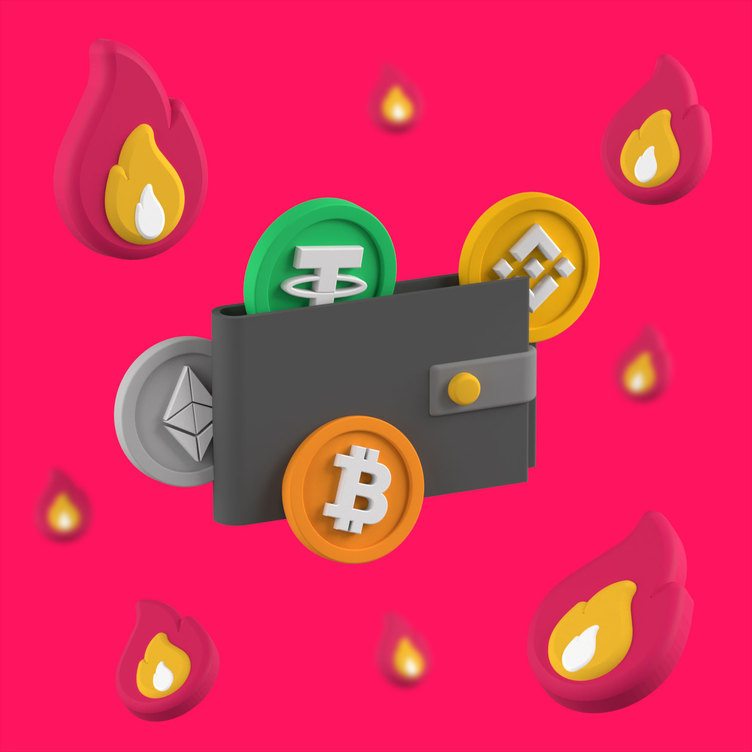
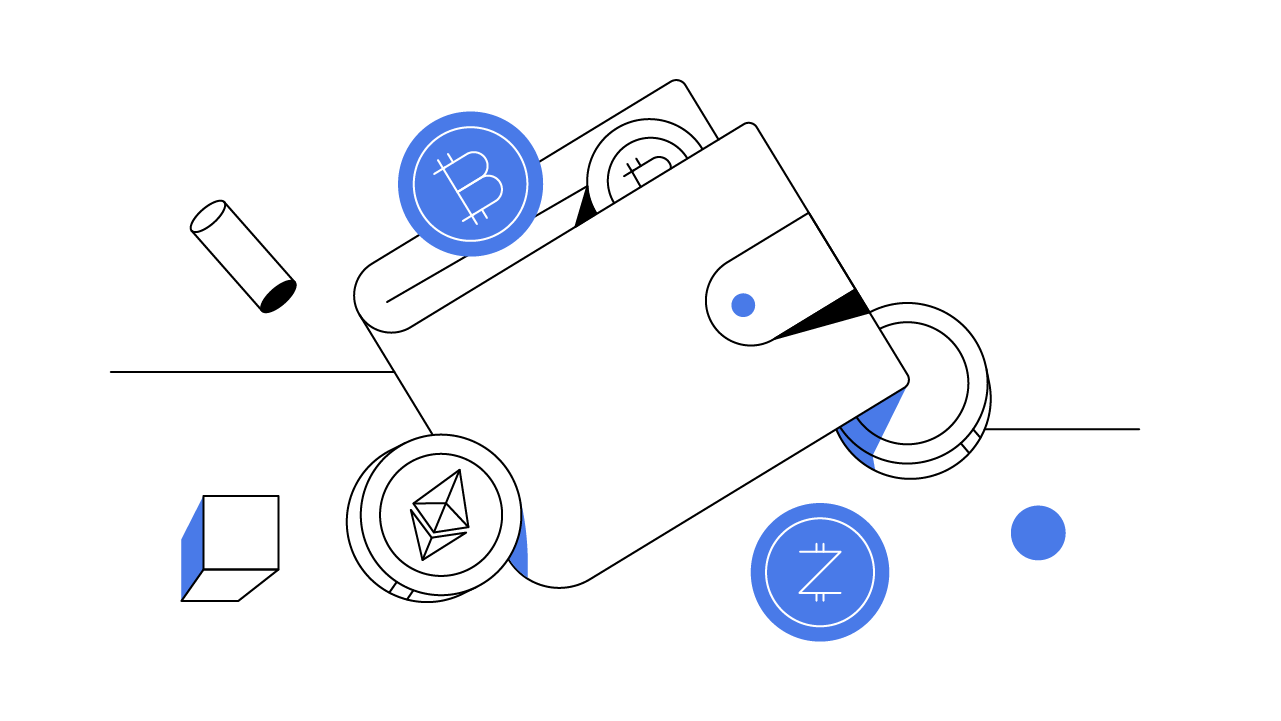
Setting up a hardware wallet is the most critical step in securing your digital assets. A mistake here can lead to irreversible loss. Follow this exact sequence to initialize devices like the Ledger Flex or Trezor Safe 3 without exposing your private keys to the internet.


As an Amazon Associate, we may earn from qualifying purchases.
Security is not a one-time event. Keep your recovery phrase offline and never share it with support staff or online forums. Regularly check for firmware updates in the official app to patch potential vulnerabilities.
Common questions about crypto wallets
Choosing a crypto wallet involves balancing security, cost, and convenience. Beginners often worry about hidden fees or losing access to their assets. The following answers address the most frequent concerns regarding hardware and software wallets.
Do hardware wallets like Ledger or Trezor have hidden fees?
Hardware wallets such as the Ledger Flex and Trezor Safe 3 require an upfront purchase price. They do not charge transaction fees for sending or receiving assets. However, you must still pay network fees (gas) to the blockchain when moving funds. Ledger also offers a subscription service, Ledger Live Plus, for advanced features, but the core wallet functionality remains free.
Can I store all cryptocurrencies in one wallet?
Not all wallets support every asset. Software wallets like Trust Wallet and Phantom are designed for multichain support, allowing you to hold tokens across different blockchains like Ethereum, Solana, and Bitcoin. Hardware wallets generally support a wide range of assets, but you must install specific apps on the device for each coin or token you wish to manage.
What happens if I lose my recovery phrase?
Your recovery phrase (seed phrase) is the only way to restore your funds. If you lose it, your assets are permanently inaccessible, even if you have the physical device. Ledger and Trezor devices do not store your seed phrase; they only help you generate and back it up. Always write it down on paper and store it securely offline. Never store it digitally or share it with anyone.
No comments yet. Be the first to share your thoughts!